
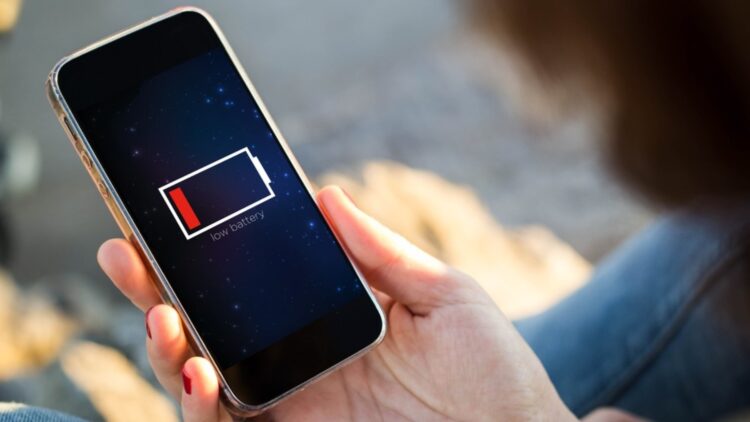
Isn’t it so bothersome when the battery of your smartphone doesn’t last long? Even though phone companies have improved battery capacity and charging speed, daily use still wears batteries down over time. This is normal and happens to everyone. Because of this, experts recommend simple tricks that can help your phone keep its charge for much longer — even up to twice as long. So, we are here to tell you the 5 tricks that will help your battery last longer.
Why phone batteries drain so fast
Maybe we don’t notice it, but our phones are constantly doing things: notifications popping up, vibrations, lights, background apps, and screen activity all use energy. Most of the time, we aren’t aware how much they affect the battery, but together they drain it faster than expected.
The good news is that you can fix much of this with just a few quick settings we are going to tell you now.
1. Unnecessary notifications and connections
Constant notifications interrupt, but also consume energy without you noticing it. Every time your phone lights up, vibrates, or makes a sound, the battery works. In this case, you can:
- Turn off notifications that are not important.
- Use “Do Not Disturb” when you don’t need constant alerts.
- Turn off Bluetooth, WiFi, or GPS when you are not using them.
Why this helps? Because when these functions are on, the phone keeps searching for connections even though you don’t use them.
2. Keyboard sounds and vibrations
When you type and the phone vibrates or makes a sound, the battery is used a bit more. Although it seems like nothing, that action is repeated over and over again that ends up consuming so much energy. So, you should deactivate them because:
- It does not change the way you type.
- It saves energy.
- It helps your battery last longer without affecting your user experience.
3. Dark mode on
Dark mode is more than a comfortable feature for your sight, mostly in places where there’s little light, but it can also help you save energy. This works because:
- These screens only light up the pixels that need color.
- Darker areas use much less energy.
- Using dark mode reduces how much your screen has to light up.
4. Battery saver mode
Most people think saver mode can be only used when the battery is about to empty, but that’s not true. You can activate it even if your battery is fully charged. The saver mode can:
- Slightly slow the processor (you won’t notice)
- Reduce background activity.
- Limit animations that drain energy.
- Help keep the battery strong throughout the day.
5. Screen refresh rate
Some phones allow changing the refresh rate, which tends to be 120 Hz in the latest models. This makes the screen animation very smooth, but it uses a lot of battery. So, you should lower it to 60 Hz because it:
- Saves a significant amount of energy.
- Makes your battery last longer.
- Makes movements on the screen a little less smooth, but still totally fine for everyday use.
Not all phones have this option, but if yours does, it is one of the best battery-saving tricks you can use.
Extra tips
In case you want more tips, we have three more that work very well with the previous tricks we mentioned:
- Reduce screen brightness whenever possible.
- Close apps you aren’t using.
- Avoid keeping your phone hot for long periods.
So, all these steps do not require extra apps, money, or technical knowledge. They are easy, fast, and perfect for anyone of any age. By using them daily, your battery will stay strong for many more hours, helping you enjoy your phone without constantly worrying about running out of charge.